AI image translator
Translate image text into your chosen language, preserve the original layout, and download the result
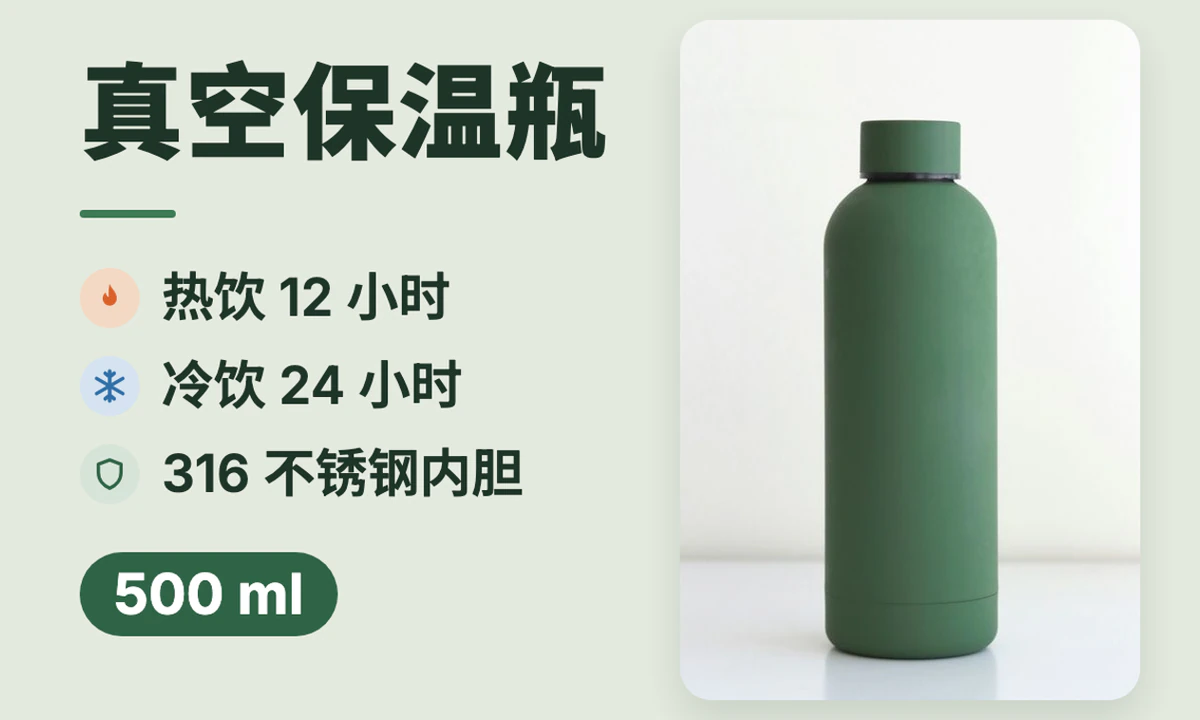
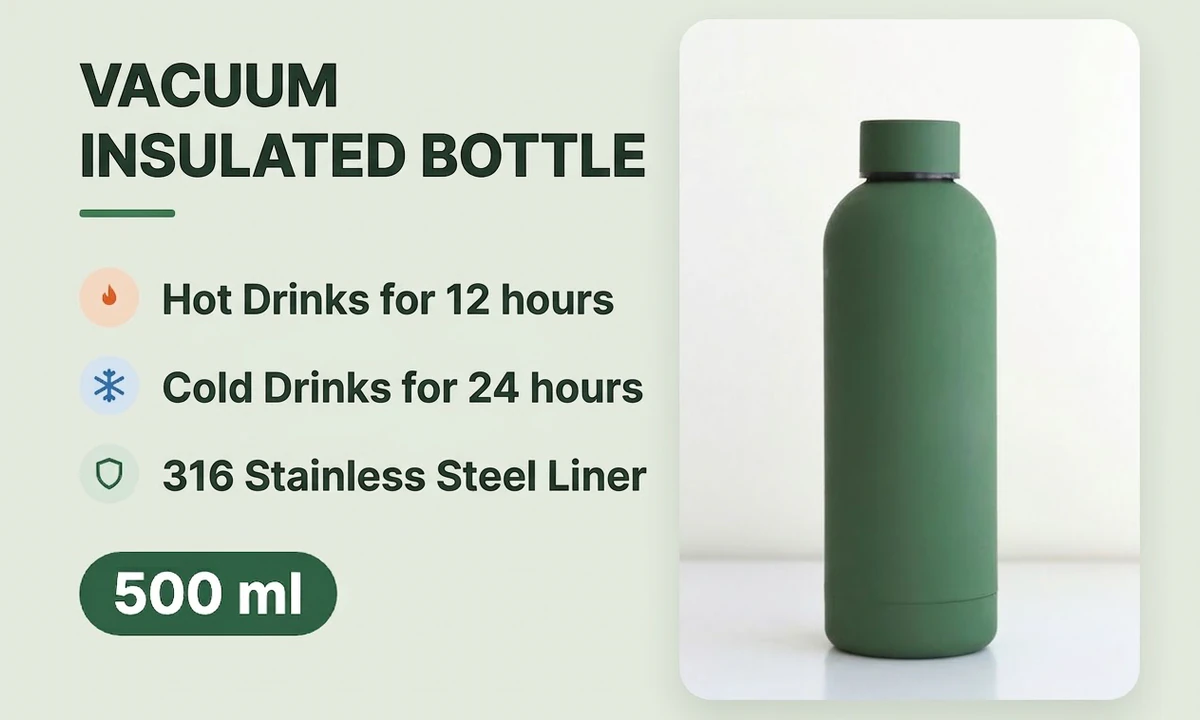
How to translate text in an image
Choose a product image, poster, or screenshot
Choose an image with clearly readable text and sufficient resolution.
Choose the source and target languages
The source language can be detected automatically. Choose a target language and start translating.
Preview and download the translated image
Download the translated image to quickly prepare multilingual product pages, posters, and social media content.
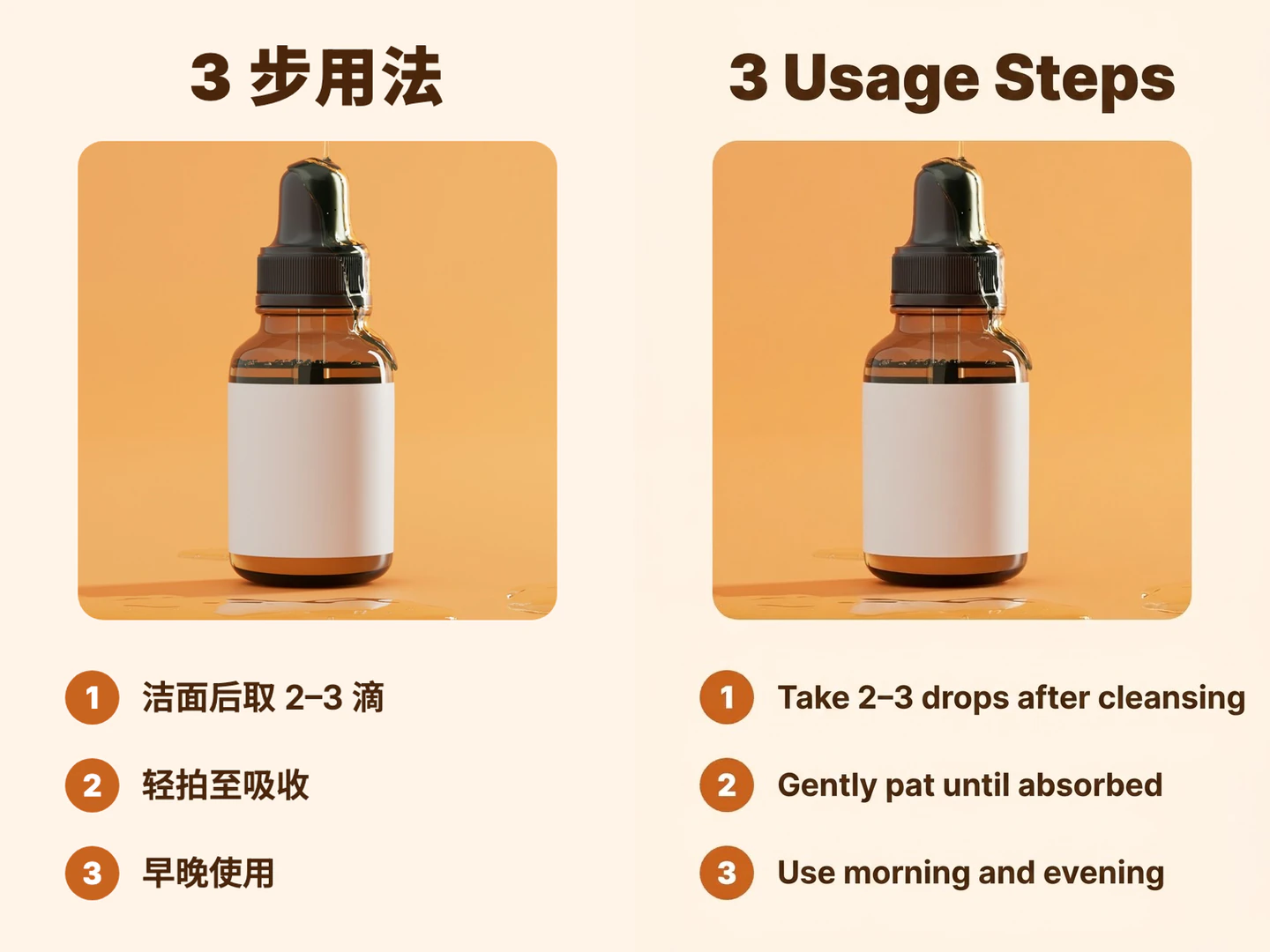
Translated text goes back in its original place
AI writes the translation back using the original image's text positions and layout as its reference, so you don't need to remake the image.
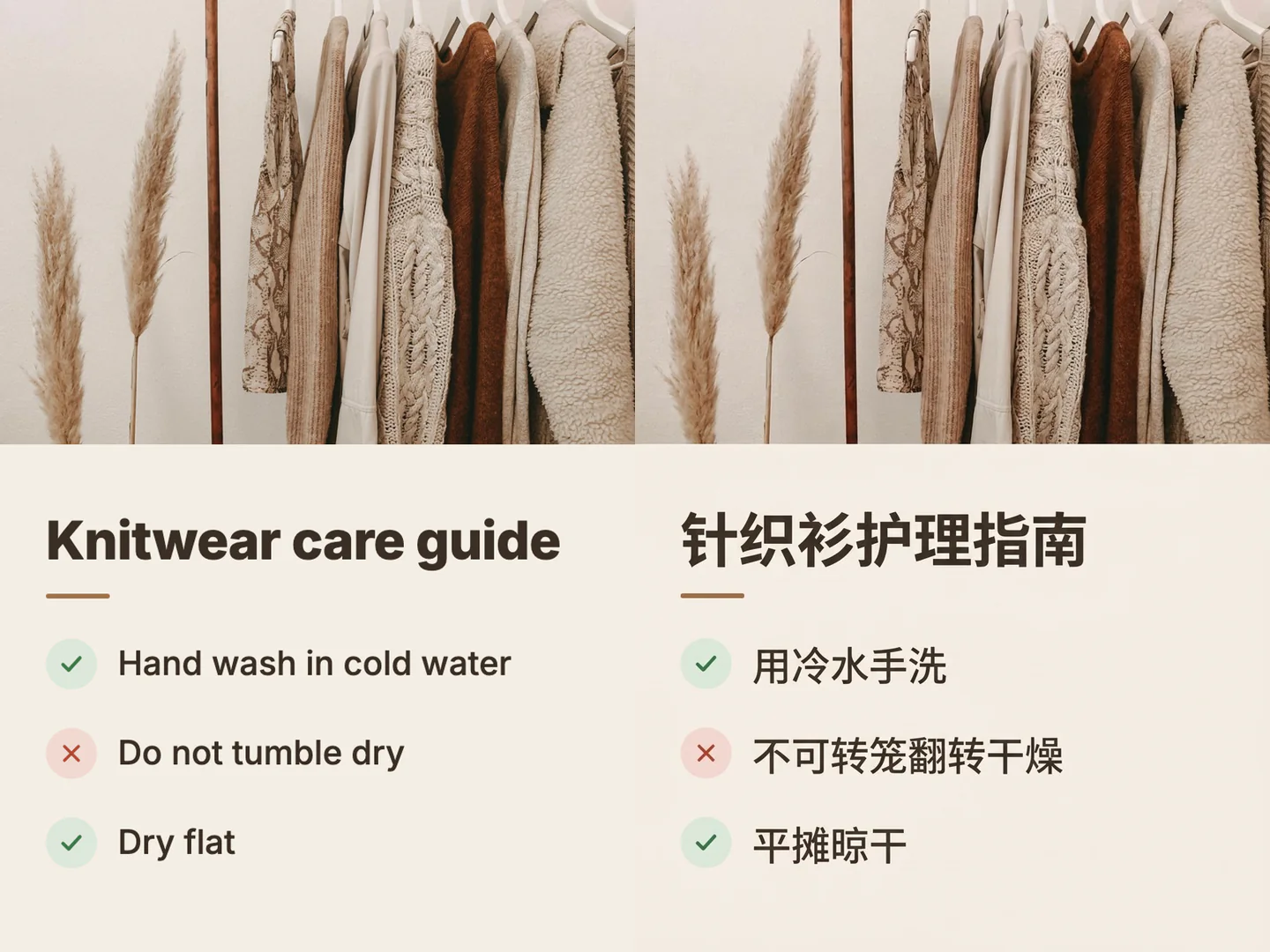
Understand foreign-language images at a glance
For posters, instructions, or screenshots in another language, choose the language you read as the target language to get a translated version of the image. This English knitwear care guide was translated into Chinese.
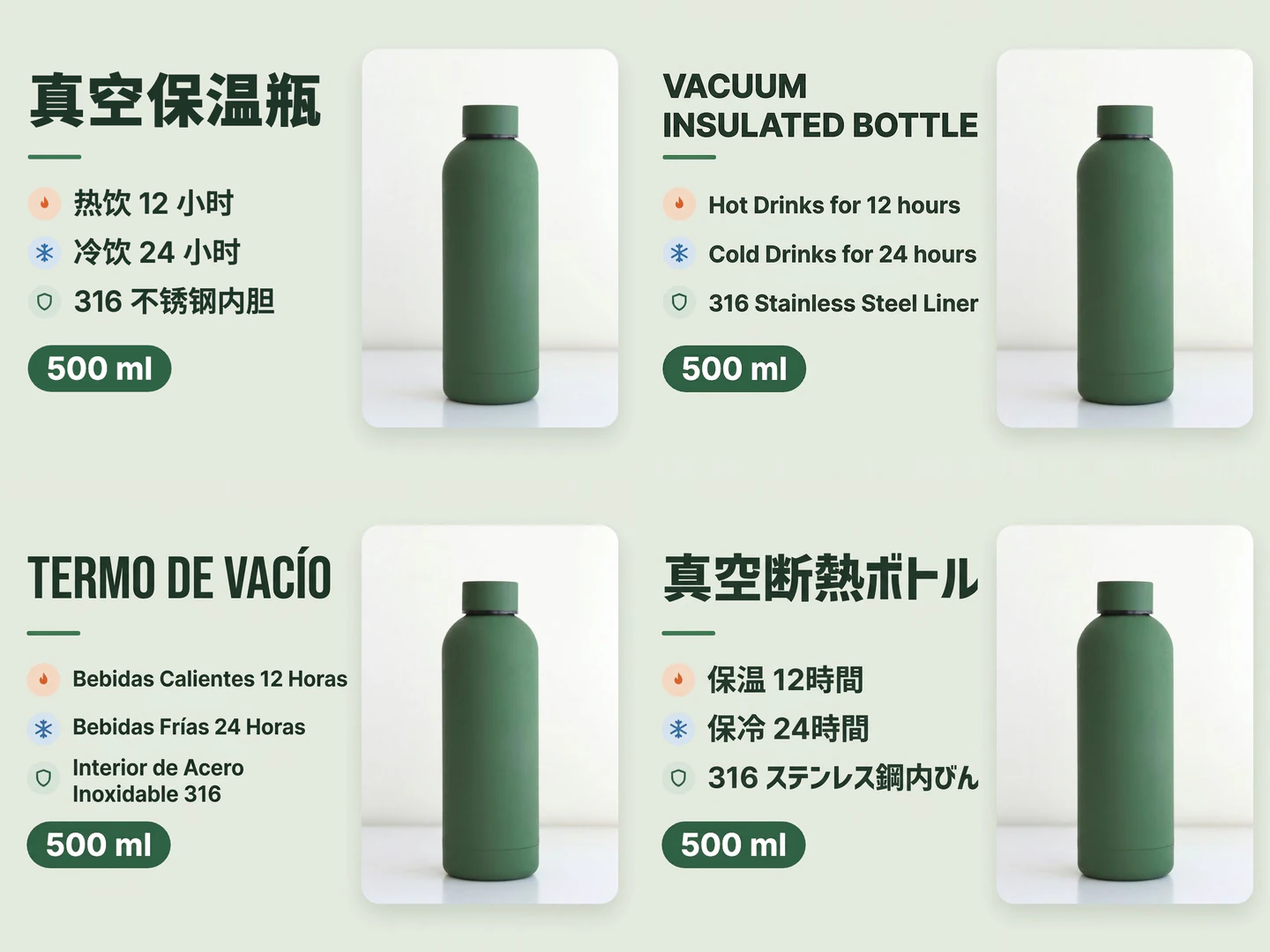
Turn one product image into several language versions
Translate again with a different target language to get another language version. This Chinese insulated bottle image was translated into English, Spanish, and Japanese.